


My profile
How do I book for a family member?
If you manage several people in your family (for example your children), you can make a booking on behalf of a family member without logging out. Simply switch temporarily to their account from your profile.
1. Go to "My profile", then open the tab "My family".

2. In your family list, find the person you want to book for, then click the blue switch button (⟳ "Log in as…" icon) to the right of their name.
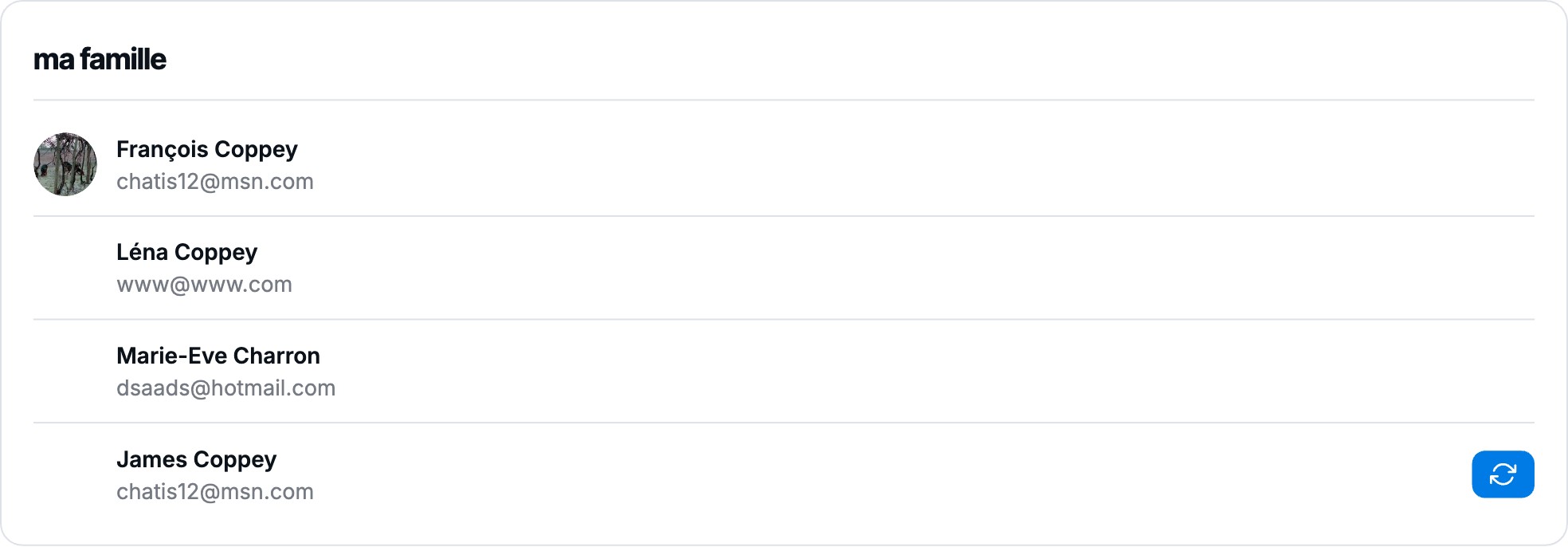
3. A banner "Logged in as …" appears at the top of the page: you are now acting on behalf of this person. All the bookings you create will be recorded in their name.

4. Go to "Book" and book the court as usual — the booking will be made for that family member.
5. When you're done, click "Back to my account" in the banner to return to your own account.
The banner stays visible as long as you are logged in as another member: remember to return to your account once your bookings are done.
Plugin.ch Tutorial — My profile